macOS
Choose the darwin_arm64 archive for Apple silicon or darwin_amd64 for an Intel Mac. Extract hkpug-opik-helper.
Turn one plaintext prompt into the single encrypted file accepted by the challenge. The same helper and commands work on macOS, Linux, and Windows.
Create your own GitHub copy before working locally. Your encrypted submission is pushed to that fork and proposed back to pythonhk/main as a pull request.

Open the official pythonhk repository and select Fork near the upper-right corner.
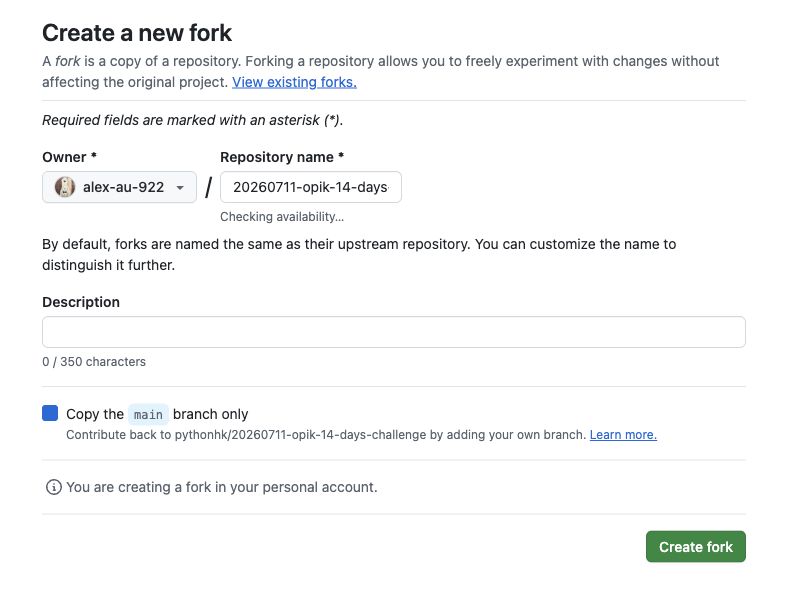
Choose your GitHub account, keep Copy the main branch only selected, and select Create fork.
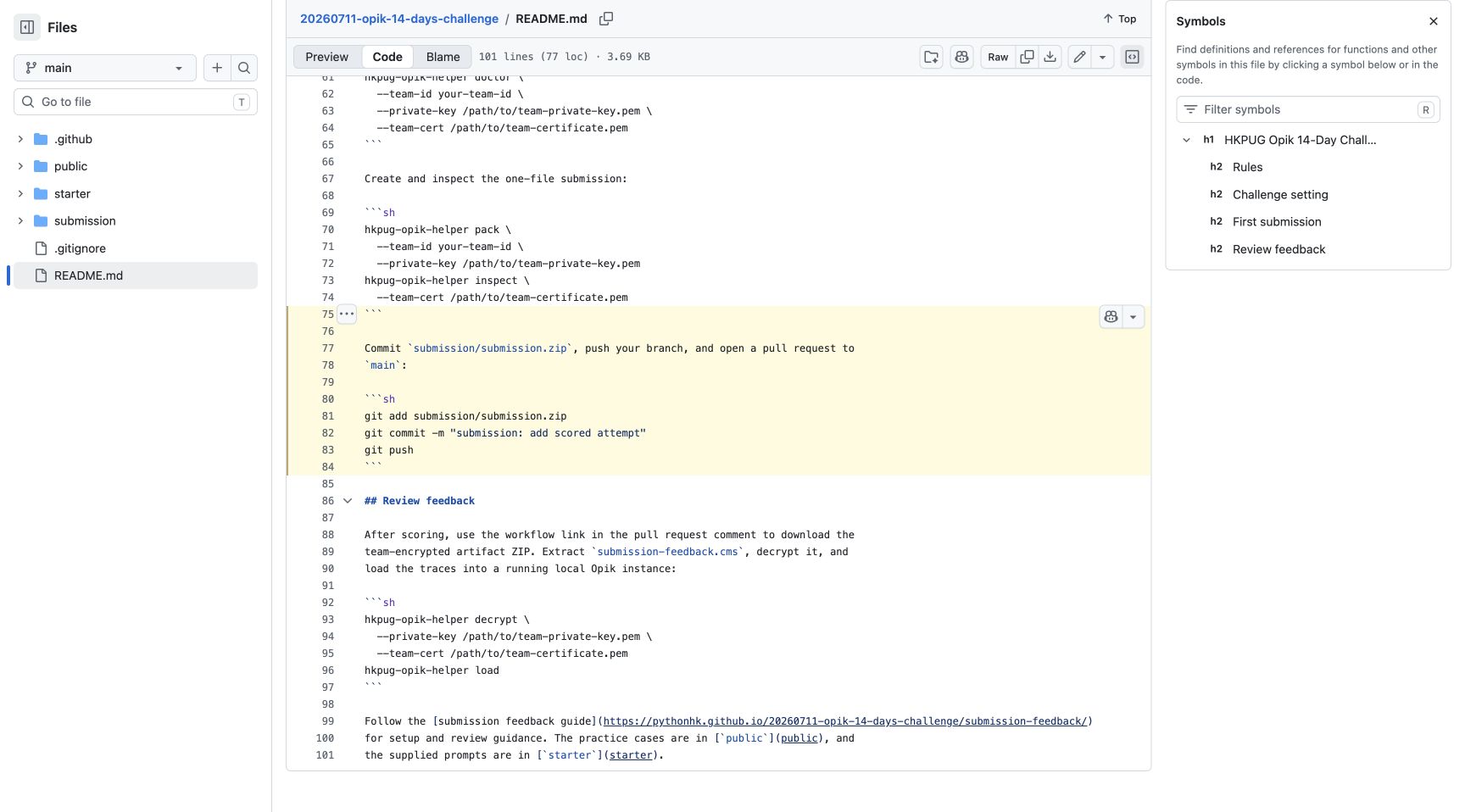
Clone your fork, run the helper locally, then commit and push only submission/submission.zip. Never commit your plaintext prompt or private key.
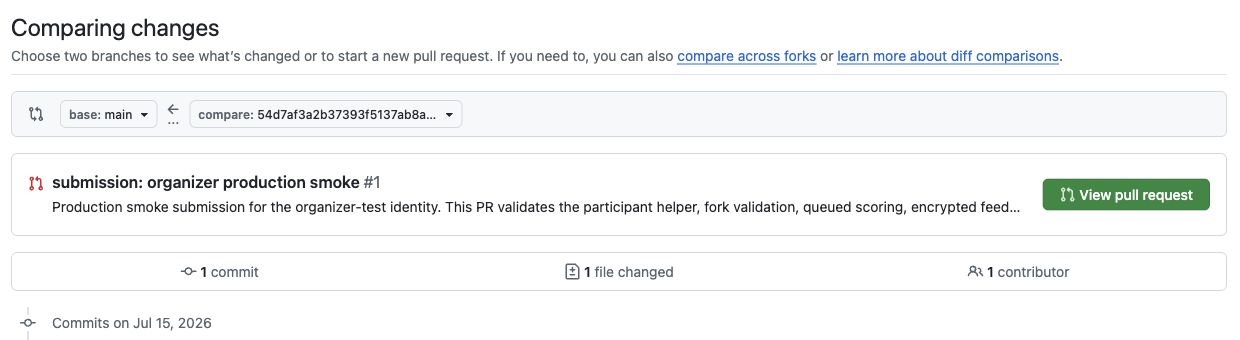
Select Compare & pull request. Confirm the base is pythonhk/main and GitHub reports 1 file changed, then select Create pull request.
git clone https://github.com/YOUR-GITHUB-USER/20260711-opik-14-days-challenge.git
cd 20260711-opik-14-days-challenge
Replace YOUR-GITHUB-USER with the account selected on the fork form.
Download the archive for your operating system and processor from the latest release, extract it, and put the executable in a folder on your PATH.
Download the latest helper release
Choose the darwin_arm64 archive for Apple silicon or darwin_amd64 for an Intel Mac. Extract hkpug-opik-helper.
Choose linux_amd64 for most PCs or linux_arm64 for an ARM machine. Extract hkpug-opik-helper.
Choose the matching Windows ZIP, extract hkpug-opik-helper.exe, and add its folder to your user PATH.
Confirm the installation from Terminal or PowerShell with hkpug-opik-helper version.
Keep your team ID, private key, and certificate outside the repository. Run this check from the challenge repository before packaging a prompt.
hkpug-opik-helper doctor --team-id your-team-id --private-key path/to/private-key.pem --team-cert path/to/team-cert.pemA ready message confirms that the team ID and credential files belong together. Fix any reported path or permission issue before continuing.
Write your prompt in submission/prompt.txt. The helper reads that local file and creates the encrypted submission archive.
cp starter/prompt.example.txt submission/prompt.txtSubmit this two-line prompt unchanged for your first scored attempt. Its official real-model smoke score was 60.0/100: the answers were relevant and grounded, while the four deterministic response-contract criteria scored zero. Use the returned Opik traces to plan attempt 2.
hkpug-opik-helper pack --team-id your-team-id --private-key path/to/private-key.pemThe default output is submission/submission.zip. Re-running the command safely replaces your local archive.
hkpug-opik-helper inspect --submission submission/submission.zip --team-cert path/to/team-cert.pemCheck that the displayed team ID and prompt digest are present. Preparing, packing, and inspecting locally does not use an attempt.
The pull request must contain only the encrypted ZIP. Review the staged path before committing.
git status --short
git add submission/submission.zip
git commit -m "submission: add scored attempt"
git pushmain branch.submission/submission.zip.